Pre-Requisites

info
- If you have been given a pre-configured
useridandpassword, skip the registration. login here and jump to switching-role. - Already registered in your Amorphic environment? If yes, jump to switching-role.
Register yourself
- Click here to open Amorphic in a browser.
- Click on register.
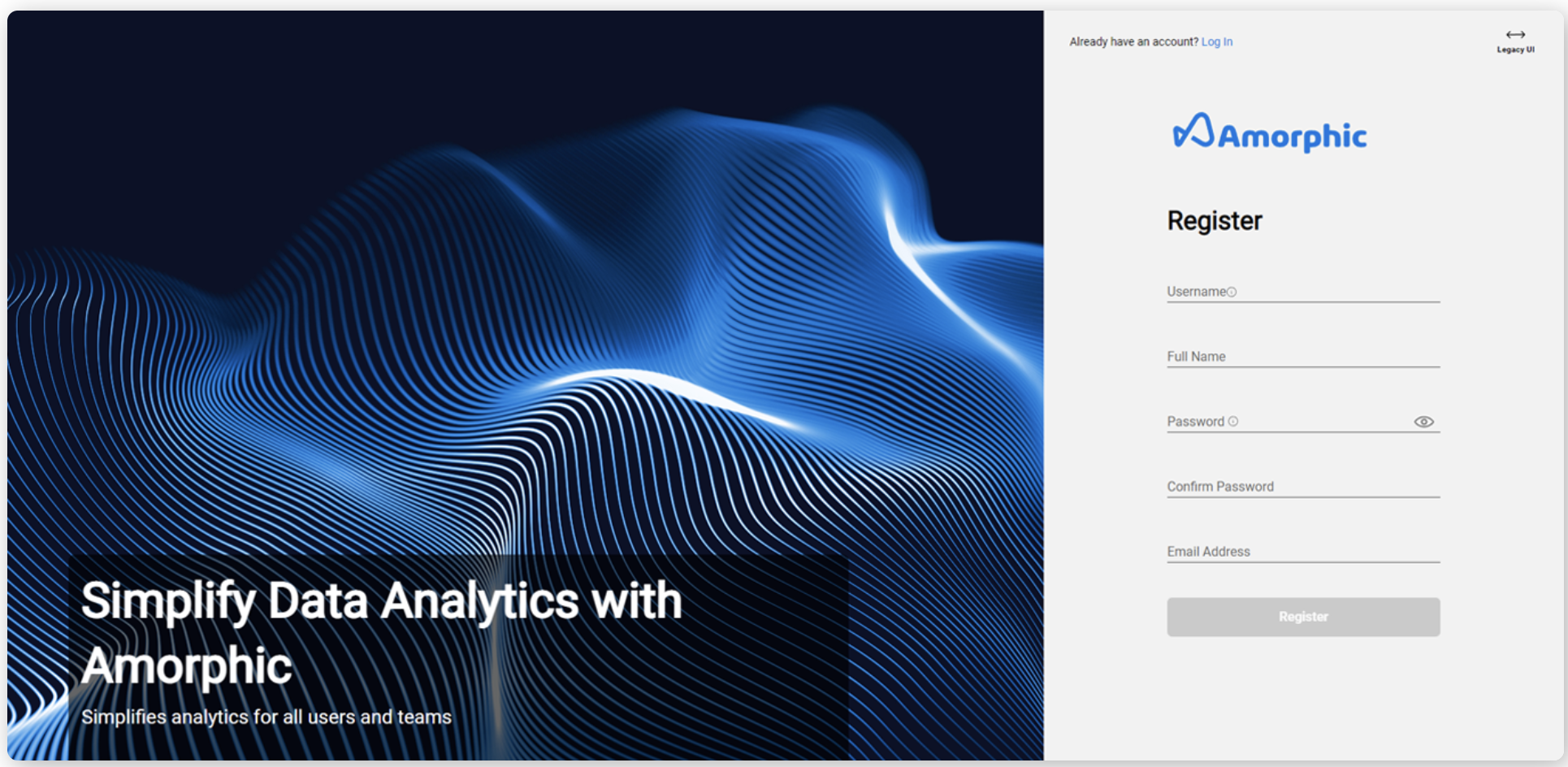
- Enter
Usernameof your choice, yourFull Name,Password,Confirm Password, andEmail Address. - Click on Register. If you get an error saying email must be part of cloudwick.com domain, contact admin.
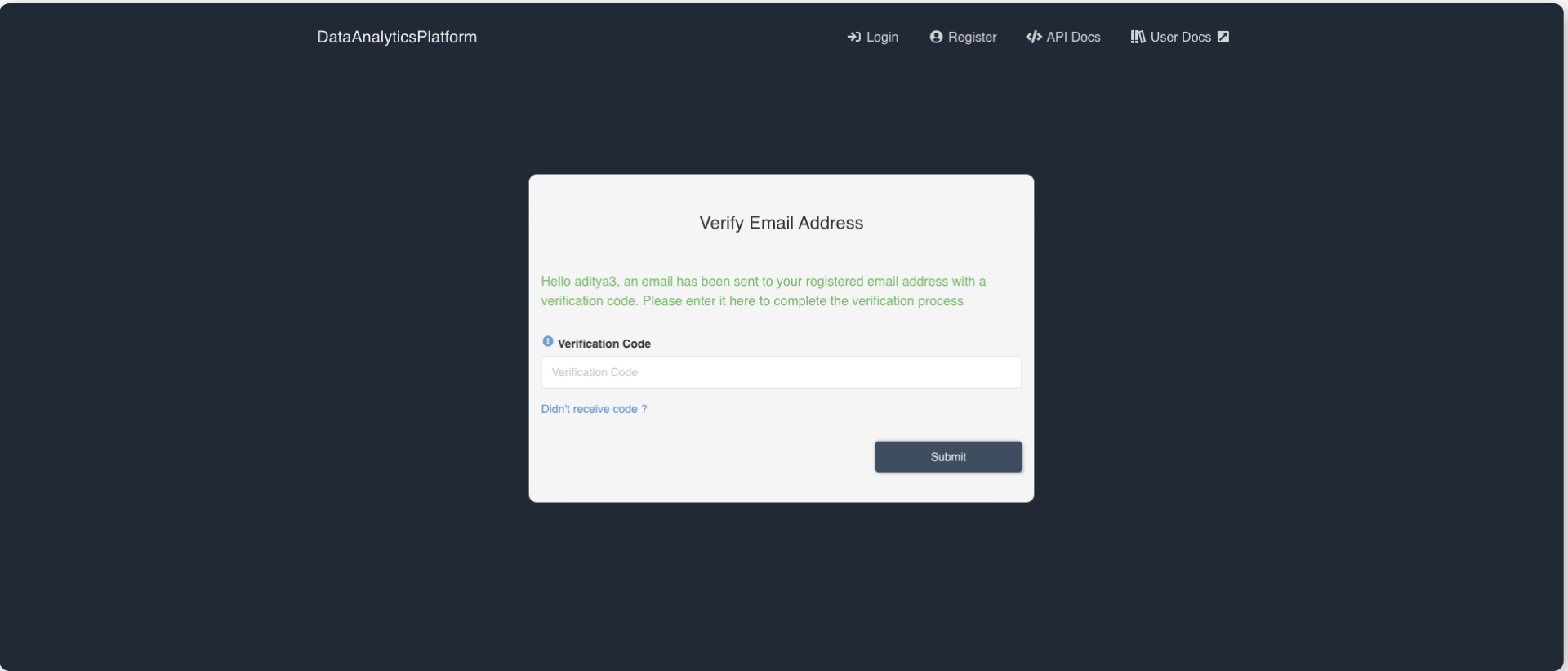
- Once the user submitted all the details, page will redirect to Verify Email Address page and a verification code will be sent to the specified email address. Enter the verification code in the text field and click on Submit button.
- Once the user is successfully registered to the application, page will redirect to the Login page.
- Login to Amorphic with your userid and password.
- You will have limited functionality for
DatasetsandGroupswidgets.
Switch your role to get full access to Amorphic
- By default, your initial role is 'SystemRole-DefaultUsers'. This will have limited access to 'Datasets' and 'Groups' only.
- Click on your Username icon at the side navigation-bar --> click on 'switch role' --> select the role to switch to --> click on switch role.
- If you don't see any new role in the dropdown box, try accessing resources with the 'SystemRole-DefaultUsers' role. All the necessary permissions are granted for the 'SystemRole-DefaultUsers' role.
- If you can't access any resources, contact admin
Create a domain.
- Domains are nothing but a
schemain the database world. - Click on
Catalog-->Domainsfrom side navigation-bar.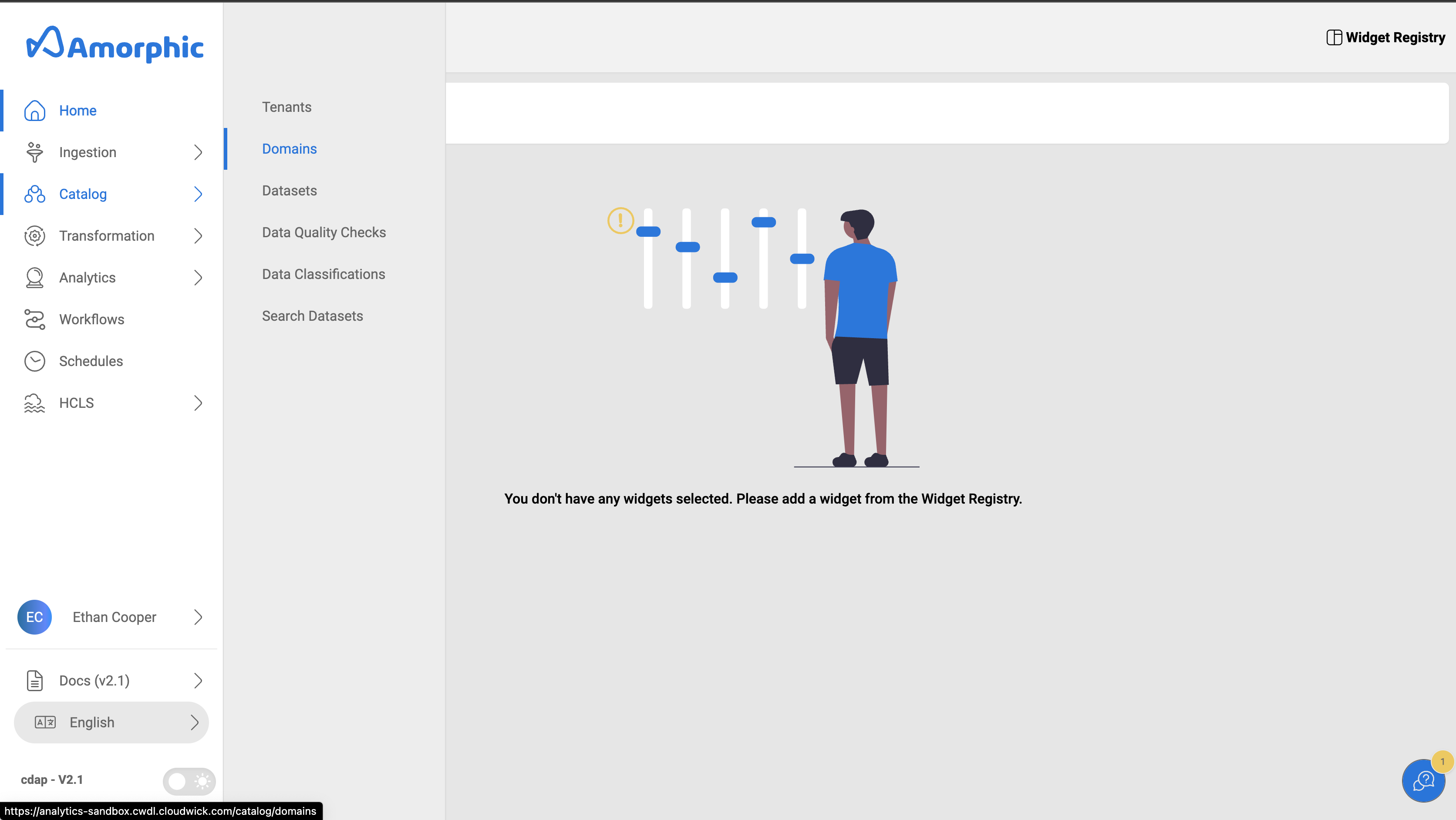
- In the Domain Name search box, type
hlworkshop. If the domain already exists, skip creating it. - Click on
➕ New Domainbutton at the top right corner. - Enter the following information and click on
Add Domain
"Tenant": "Default tenanat"
"Domain Name":  "hlworkshop"
"Display Name": "HLWorkshop"
"Description":  "This domain will be used for healthlake workshop datasets."
Lets get started
Proceed to Create Datasets task.